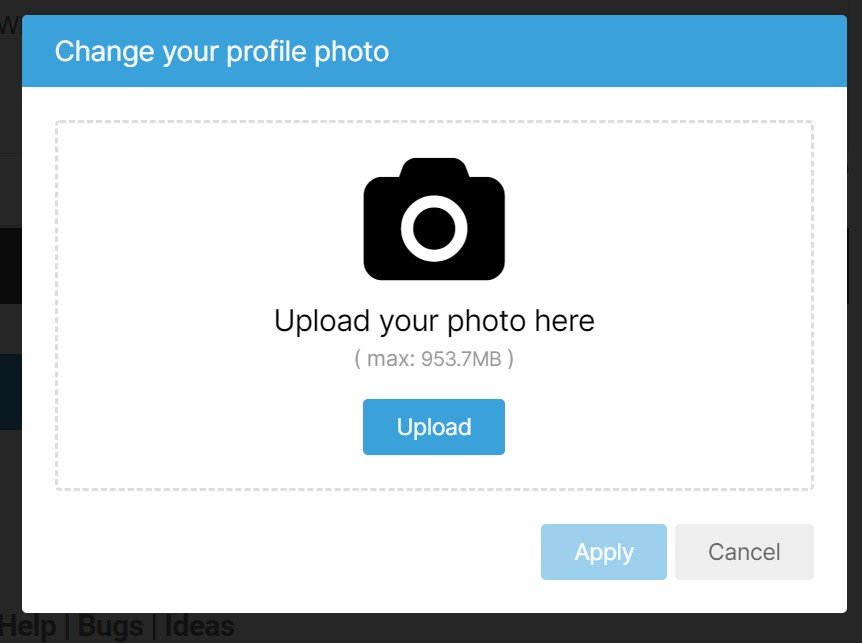
For a few days, the gizmo that allows Members to upload a profile photo has failed. It now works. Thanks to the Members who reported the issue.
Long story, but basically, one of 60 gremlins in the galley, rowing to move this ship, went rogue. We had to individually interrogate, with extreme prejudice, each gremlin until one of them confessed. He was tossed into the sea.
In case you don’t have a profile photo, here’s how to ameliorate the dearth.
Mouse-over “Members” in the top menu, then select “Your Name’s Content“.
Click the gear icon to the right of the space your photo should be, and choose “Edit Profile“

Click on the camera icon and choose “Change Photo“.

Click the “Upload” button, then find a picture on your computer, and click “Open“.

You may also edit the text in the box below, or add some.
Make sure you click the “Save” button.

You’re done.
If you have any problems, please let us know using our Help/Bugs/Ideas contact form.
6 replies on “FIXED: You Can Now Upload a Profile Photo Again”
I’d really like it if:
1) my name on my blog posts and comments (AK is 47) matched my profile name(AK was 47); and
2) my username was something other than my defunct e-mail address.
Am I missing something, or can’t those issues be fixed? I admit I’m rather out of touch with this site’s content management system, so it’s very possible that the fault is entirely mine.
Thank you Web McMaster! Beat the gremlins into submission!
I put my photo in so that everyone else looks good in comparison.😜
Cool. I’ve been planning to change my photo.
Gotta keep dem gremlins in line or dey’ll cause trouble.
Trust me, nobody needs to see me. I will save you all the agony… 🙂
I don’t think my photo improves upon the default icon.